
Simple tech settings after data breaches can make a major difference in protecting your personal data, online accounts, and digital security.
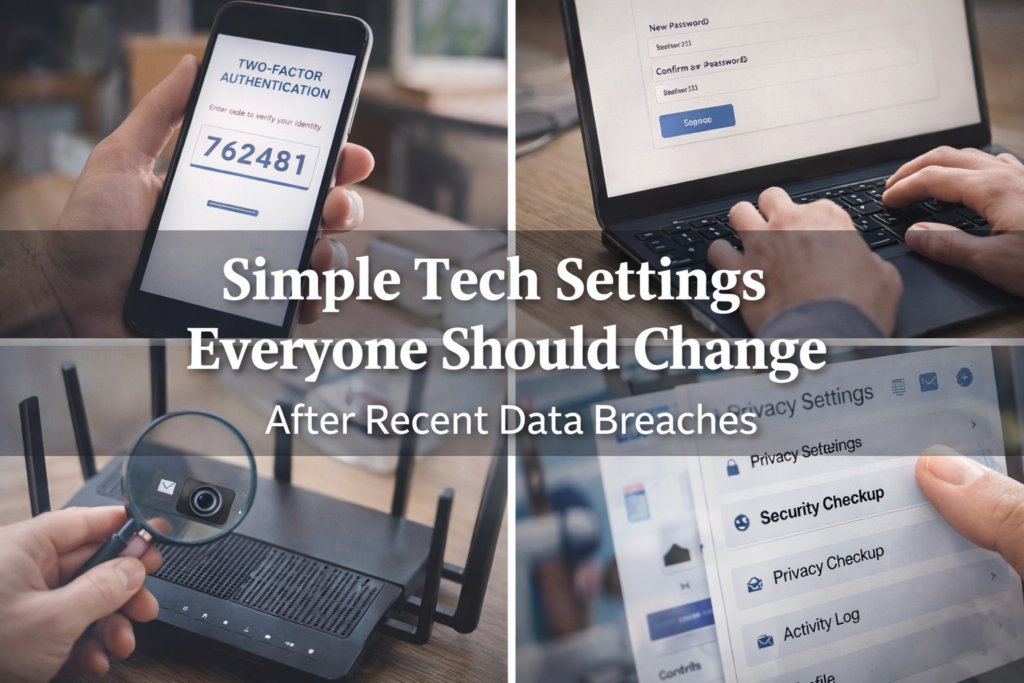
Simple Tech Settings After Data Breaches Everyone Should Review
Data breaches are no longer rare events. They happen quietly, frequently, and often long before the public becomes aware. Even when a breach doesn’t directly involve your personal accounts, exposed data can still be sold, reused, or exploited months later.
The good news is that you don’t need advanced technical knowledge or expensive software to reduce your risk. A few simple tech settings can significantly improve your digital security and help protect your personal information.
This guide walks through practical, easy-to-apply settings everyone should review after recent data breaches.
Why Data Breaches Affect Everyone (Even If You Weren’t Notified)
Many breaches occur at the company or service level. Even if you never receive a notification, your email address, password, or usage data may still be compromised.
Common consequences include:
- Account takeovers
- Identity theft
- Unauthorized purchases
- Phishing scams
- Long-term misuse of personal data
Making small security adjustments now can prevent major problems later.
According to the Federal Trade Commission, monitoring accounts and updating security settings regularly can reduce the risk of identity theft.https://consumer.ftc.gov
Enable Two-Factor Authentication Wherever Possible
Two-factor authentication (2FA) adds an extra layer of protection beyond your password. Even if someone gains access to your login credentials, they won’t be able to access your account without the second verification step.
Enable 2FA on:
- Email accounts
- Banking and financial apps
- Social media platforms
- Shopping accounts
- Cloud storage services
Whenever possible, use an authentication app instead of SMS text codes for stronger security.
Recent data breaches make it more important than ever to review basic tech settings. These simple changes can help protect your accounts and personal information.
Update Passwords and Stop Reusing Them
Password reuse is one of the most common ways hackers gain access to multiple accounts.
Best practices include:
- Creating unique passwords for important accounts
- Using a password manager to store them securely
- Avoiding personal information in passwords
- Updating passwords after any breach notification
If one account is compromised, unique passwords prevent a domino effect across your digital life.
Review Privacy and Security Settings on All Devices
Reviewing simple tech settings after data breaches is one of the easiest ways to reduce the risk of identity theft and unauthorized account access.
Many apps and devices collect more data than necessary. Reviewing privacy settings helps limit exposure.
Check settings on:
- Smartphones and tablets
- Laptops and desktops
- Smart TVs and streaming devices
- Smart home products
Disable permissions that are no longer needed, such as constant location tracking, microphone access, or background data sharing.
Secure Your Home Internet Network
Your home Wi-Fi network is often overlooked, yet it connects nearly everything.
Take time to:
- Change the default router password
- Use a strong Wi-Fi password
- Enable WPA3 or WPA2 encryption
- Update router firmware regularly
- Disable remote access unless required
A secured network reduces the risk of unauthorized access to all connected devices.
Monitor Accounts and Credit Activity Regularly
Even with strong security settings, monitoring is essential.
Helpful habits include:
- Reviewing bank and credit card statements weekly
- Setting up transaction alerts
- Checking credit reports periodically
- Watching for unfamiliar login alerts
Early detection can stop financial and identity damage before it escalates.
Be Cautious With Emails, Texts, and Links After Breaches
After public data breaches, scammers often take advantage of confusion.
Protect yourself by:
- Avoiding links in unsolicited messages
- Verifying requests directly with companies
- Watching for urgent or threatening language
- Never sharing verification codes with anyone
When in doubt, go directly to the company’s official website instead of clicking links.
Keep Software and Apps Updated
Updates often include critical security patches.
Make sure to:
- Enable automatic updates when possible
- Update operating systems, browsers, and apps
- Remove apps you no longer use
Outdated software is one of the easiest entry points for attackers.
Making a habit of updating simple tech settings after data breaches helps protect your digital life long after headlines fade.
Final Thoughts: Small Changes, Stronger Protection
You don’t need to overhaul your digital life to improve security. A few intentional updates can significantly reduce your exposure to data breaches and cyber threats.
Rising household costs often go hand-in-hand with security concerns, which is why many readers also explore simple DIY projects that reduce monthly bills. Real Ways Renters Can Reduce Monthly Bills (No Home Ownership Required)