
Online scams and fake alerts are becoming more common every year, and many people receive fake emails, fake delivery messages, fake bank alerts, and fake recall notices. Learning how to recognize online scams and fake alerts can help protect your personal information and your money.
Common Types of Online Scams and Fake Alerts
One of the biggest dangers with online scams and fake alerts is that they often look very real. Many scam messages copy company logos, email styles, and official wording to trick people into clicking links or entering personal information.
The best way to stay safe from online scams and fake alerts is to slow down, verify the source, and never click suspicious links or download unknown attachments.
If you receive online scams and fake alerts, do not panic and do not click anything immediately. Instead, go directly to the official website of the company or organization to verify the message.
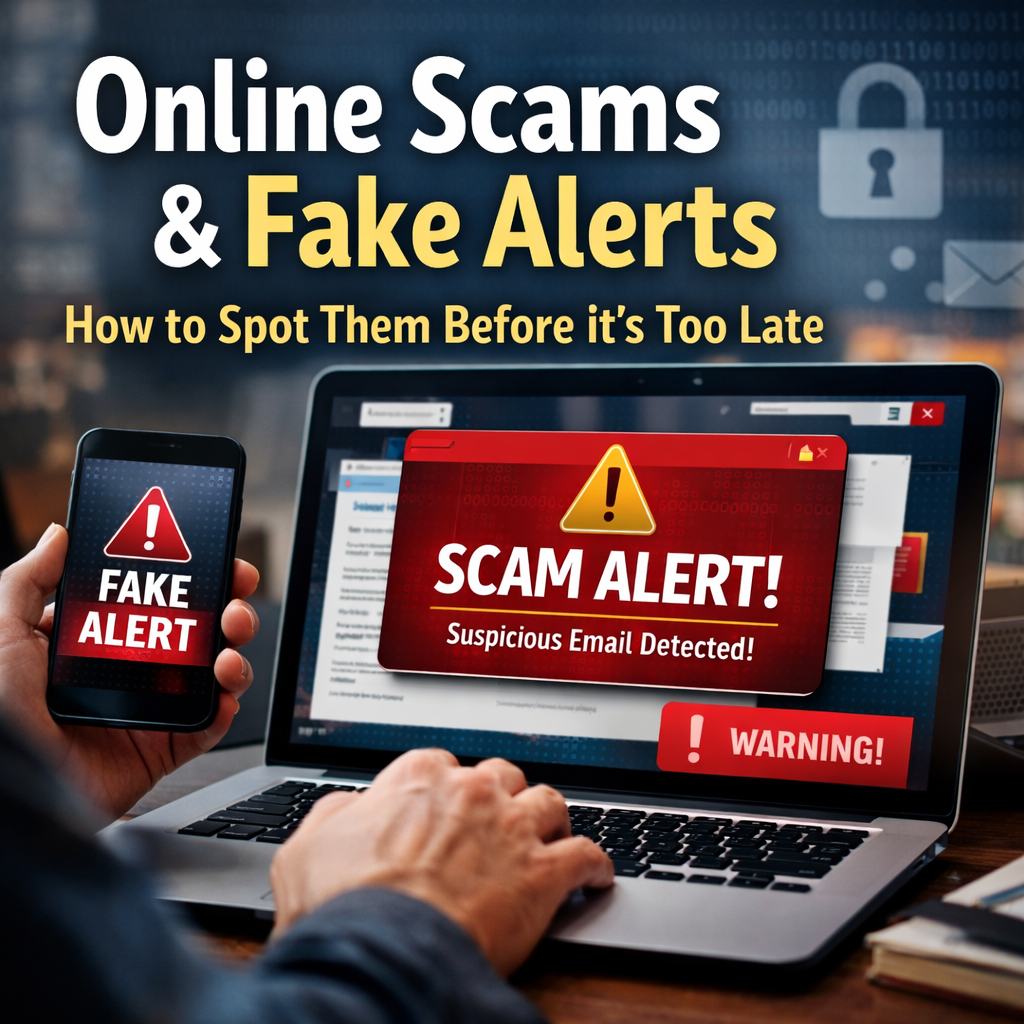
From “urgent security alerts” to fake recalls, delivery problems, account warnings, or government notices, many scams look surprisingly real. The goal is almost always the same: to rush you into clicking, paying, or sharing personal information.
This guide will help you recognize online scams calmly and confidently — without panic or technical jargon.
Why Fake Alerts Are So Convincing
Scammers rely on emotion, not technology. Most fake alerts are designed to trigger:
- Fear (“Your account has been compromised”)
- Urgency (“Immediate action required”)
- Authority (“This message is from a trusted organization”)
- Confusion (“Unusual activity detected”)
When people feel rushed, they’re more likely to act without verifying.
The good news? Once you know the patterns, scams become much easier to spot.
Common Types of Online Scams & Fake Alerts
Here are the most frequent ones people encounter:
1. Fake Account Warnings
These messages claim there is a serious issue with one of your accounts and often pressure you to act immediately. Here’s how to handle the most common scenarios safely and correctly.
“Your Bank Account Is Locked”
Scammers often pretend to be your bank and may call, text, or email you claiming your account is frozen or compromised.
What to do instead:
- Do not continue the conversation using their contact information
- Hang up and call your bank directly using the phone number on the back of your debit or credit card
- Ask the bank to confirm whether there is actually an issue with your account
Important:
Legitimate banks will never ask for your full card number, PIN, or online banking password over the phone.
“Your Email Will Be Deleted”
These messages usually claim your email account is at risk and ask you to verify information or allow access.
What to do instead:
- Open your email directly (do not click the link in the message)
- Check for official notifications inside your account
- If you’re concerned, change your password immediately
- Enable two-factor authentication if available
Never:
- Log into your email while someone is on the phone with you
- Give remote access to your computer
- Share verification codes or passwords
“Your Social Media Account Is Suspended”
Scammers often claim your account has violated rules and must be verified urgently.
What to do instead:
- Open the social media app or website on your own device
- Check whether your account is actually restricted
- Check your email for an official message from the platform
If:
- Your account is still working
- You received no official email
Do not provide access to your account or your computer
Social media companies do not request passwords or remote access.
A Critical Rule to Remember
Never go into an account while someone is on the phone with you.
Legitimate companies do not guide you step-by-step into your accounts or ask for computer access.
If someone insists — that is a major red flag.
Quick Safety Checklist
Before taking action, ask yourself:
- Am I being rushed or pressured?
- Am I being asked to click a link, share a code, or allow access?
- Can I verify this independently through an official website or phone number?
If the answer is unclear — pause and verify.
2. Fake Delivery & “Package Problem” Texts (USPS / FedEx / UPS)
These messages claim your package can’t be delivered until you “confirm” details or pay a small fee.
What to do instead:
- Do not click the link in the text/email
- Go to the shipper’s website directly (type it yourself) and enter your tracking number
- If you ordered something, check your order confirmation email or account
Never:
- Pay a “redelivery fee” through a random link
- Enter your card number because the message says it’s only “$1.99” or “$3.00”
Quick tell: Real shipping updates usually include a tracking number you can verify on the official site.
3. “Your Device Is Infected” Pop-Ups (Fake Tech Support)
These pop-ups are designed to scare you into calling a number or downloading software.
What to do instead:
- Do not call the number shown
- Close the tab/window (on a computer: try Alt + F4 or force-close the browser)
- Reopen your browser and clear recent browsing data
- Run a security scan using your normal antivirus (or Windows Security)
Never:
- Give remote access to your computer
- Pay gift cards, crypto, or wire transfers for “tech support”
Critical rule: Legit companies don’t display panic popups with phone numbers demanding immediate action.
4. “Government” Threats (IRS / Social Security / Courts / Police)
These scams use fear: “You’re under investigation,” “warrant,” “benefits suspended,” etc.
What to do instead:
- Hang up (or don’t reply)
- Contact the agency using the official number from their real website (typed manually)
- If it’s about benefits, log in to the official portal directly
Never:
- Send gift cards, crypto, or payment apps to “resolve” a case
- Share your Social Security number or verification codes because you feel pressured
Quick tell: Real agencies rarely threaten arrest over a phone call or demand instant payment.
5. Utility Shutoff Scams (Electric/Water/Gas)
Scammers claim your service will be shut off within hours unless you pay.
What to do instead:
- Check your utility account directly (app/website you already use)
- Call the company using the number on your bill or their official site
6. Fake “Refund” or “Overpayment” Scams
Never:
- Pay through Zelle/Cash App/Venmo/gift cards to “stop shutoff”
- Trust caller ID — it can be spoofed
Quick tell: Legit utilities have normal billing processes and won’t demand payment via gift cards.
You’re told you’re owed money and must “confirm” your bank info or allow access.
What to do instead:
- Verify the claim through your real account (bank, retailer, or service)
- If you’re unsure, call the company using a verified number
Never:
- Share your bank login
- Allow remote access so they can “process the refund”
- Send money back because they “accidentally over-refunded” you
Quick tell: Real refunds do not require remote access to your device.
7. Job Offer / “Work From Home” Scams
These offer easy money and then ask for personal info, a “background check fee,” or check deposit.
What to do instead:
- Research the company on official channels
- Confirm the recruiter uses a real company email domain (not Gmail/Outlook)
- Verify the job listing exists on the company’s real website
Never:
- Pay to get hired (application fee, equipment fee, training fee)
- Deposit a check and send part back (classic fake-check scam)
- Share your SSN early in the process
8. “Friend/Family in Trouble” Messages (Impersonation)
Scammers pretend to be your child, friend, or relative: “I’m stranded,” “new number,” “need money.”
What to do instead:
- Pause and call the person using the number you already have
- Ask a question only the real person would know (“What was our last vacation spot?”)
Never:
- Send money immediately through payment apps
- Assume the message is real just because it uses a familiar name
9. Romance & Relationship Scams
They build trust, then ask for money, gift cards, crypto, or “help with an emergency.”
What to do instead:
- Keep personal and financial boundaries firm
- Verify identity (video call, consistent details, real-world presence)
- Talk to a trusted friend if you’re unsure
Never:
- Send money to someone you haven’t met in person
- Accept investment advice or crypto “opportunities” from a romantic interest
10. Fake Charities & “Urgent Donation” Requests
Often appear during disasters, holidays, or viral social posts.
What to do instead:
- Donate only through the charity’s official website (typed manually)
- Check legitimacy before donating
Never:
- Donate through random DMs, links, or pressure tactics
- Give card info to someone who contacted you first
11. QR Code Scams (“Quishing”)
QR codes can send you to a fake website that steals logins or payment details.
What to do instead:
- If possible, use the official app or website instead of scanning
- After scanning, check the URL carefully before entering any info
Never:
- Enter login or payment details on a page you reached from a random QR code
- Scan QR codes posted on public signs that look taped over
12. Marketplace Scams (Facebook Marketplace / Craigslist / OfferUp)
Common tactics: fake payment emails, shipping scams, “I’ll send a courier,” overpayment.
What to do instead:
- Use in-app payment methods (when possible)
- Meet in public locations; bring another person if you can
- Verify payment inside your actual bank/app — not via email screenshots
Never:
- Accept “proof of payment” screenshots as real
- Send a refund for “overpayment”
- Move the conversation off-platform quickly
A Simple Rule That Stops Most Scams
If you are being rushed, pressured, or asked to click a link / share a code / allow access — pause and verify independently.
Warning Signs of Fake Emails and Messages
Use this checklist before clicking anything:
- ❌ Poor grammar or unusual wording
- ❌ Generic greetings (“Dear customer”)
- ❌ Urgent or threatening language
- ❌ Requests for passwords, payment, or codes
- ❌ Links that don’t match the official website
- ❌ Pressure to act immediately
If even one of these appears, pause.
What To Do Before Clicking Any Link
When you receive an alert:
- Pause — don’t click immediately
- Check the sender — does it match the official organization?
- Go directly to the official website by typing it yourself
- Log into your account separately (not through the link)
- Search the alert wording online — scams are often reported quickly
If it’s real, you’ll see confirmation elsewhere.
What to Do If You Click a Scam Link
Don’t panic. Take these steps calmly:
- Close the page immediately
- Do not enter any personal information
- Run a security scan on your device
- Change affected passwords from a secure device
- Monitor bank or account activity
- Report the message if possible
Acting quickly helps limit damage.
Why Staying Calm Matters Most
Scams succeed when people feel rushed or overwhelmed. Taking a few extra minutes to verify can prevent hours — or even years — of stress later.
Remember:
Urgency is the scammer’s tool. Calm is yours.
The Federal Trade Commission provides updated information about common scams and how to report fraud and fake alerts online. https://reportfraud.ftc.gov/
It is also important to verify product recall alerts using official websites so you do not fall for fake recall messages or scam alerts. https://everydayanswers.online/product-recall-alerts-without-panic/
Final Thought
Online safety isn’t about being perfect or highly technical — it’s about slowing down, asking questions, and trusting your instincts.
At Everyday Answers, our goal is to help you feel informed, steady, and confident — not afraid. You don’t need to react instantly. You need to verify.